

Merchant app
Enova Mart Seller
Manage products, stock, orders and sales from your phone, with a workspace focused on running your Enova Mart store.


Store management
Your day-to-day shop tools, together.
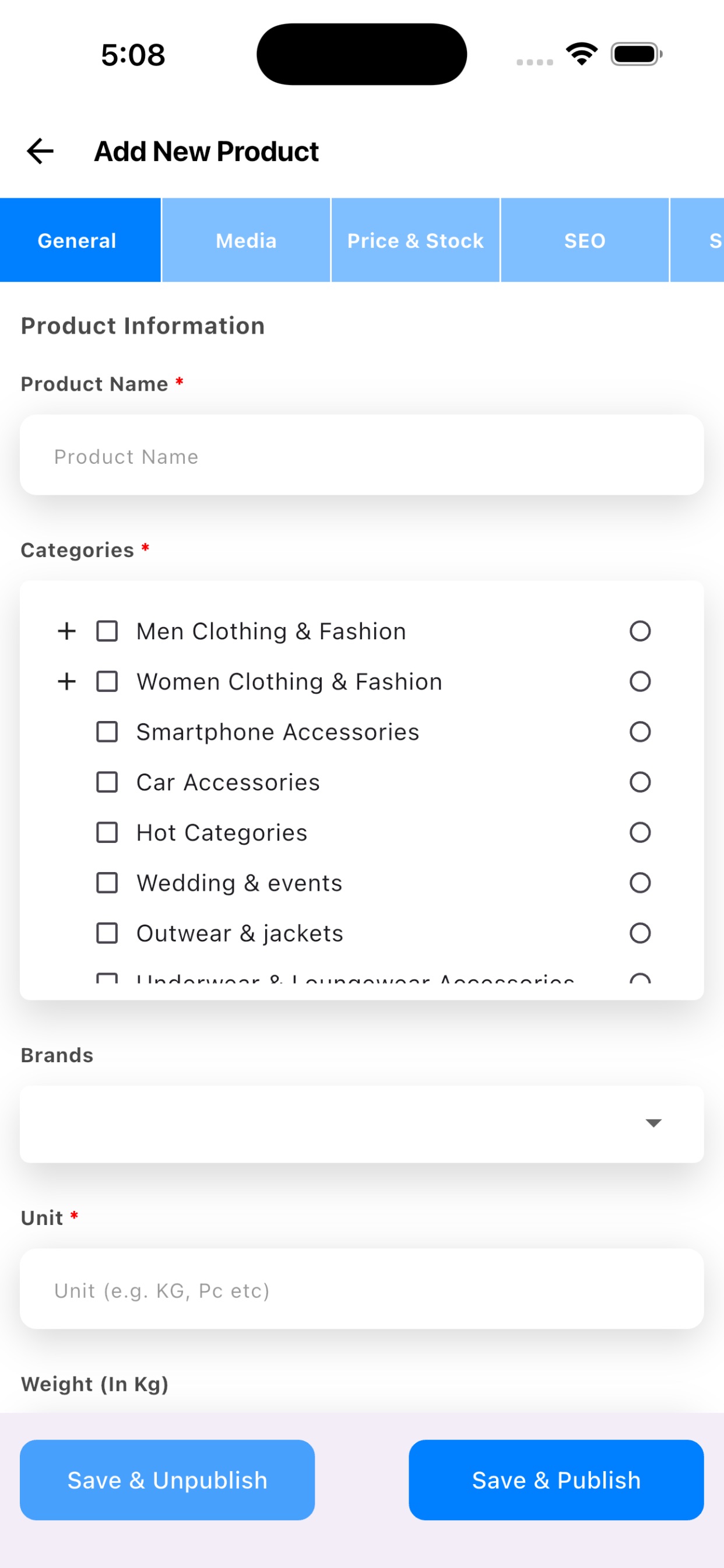
- Add and update products
- Create listings and keep existing product information current.
- Manage product images and prices
- Update the details customers use when making a choice.
- Track stock levels
- See inventory information while managing your product catalogue.
- Manage every order stage
- View new, pending, processing and completed orders.
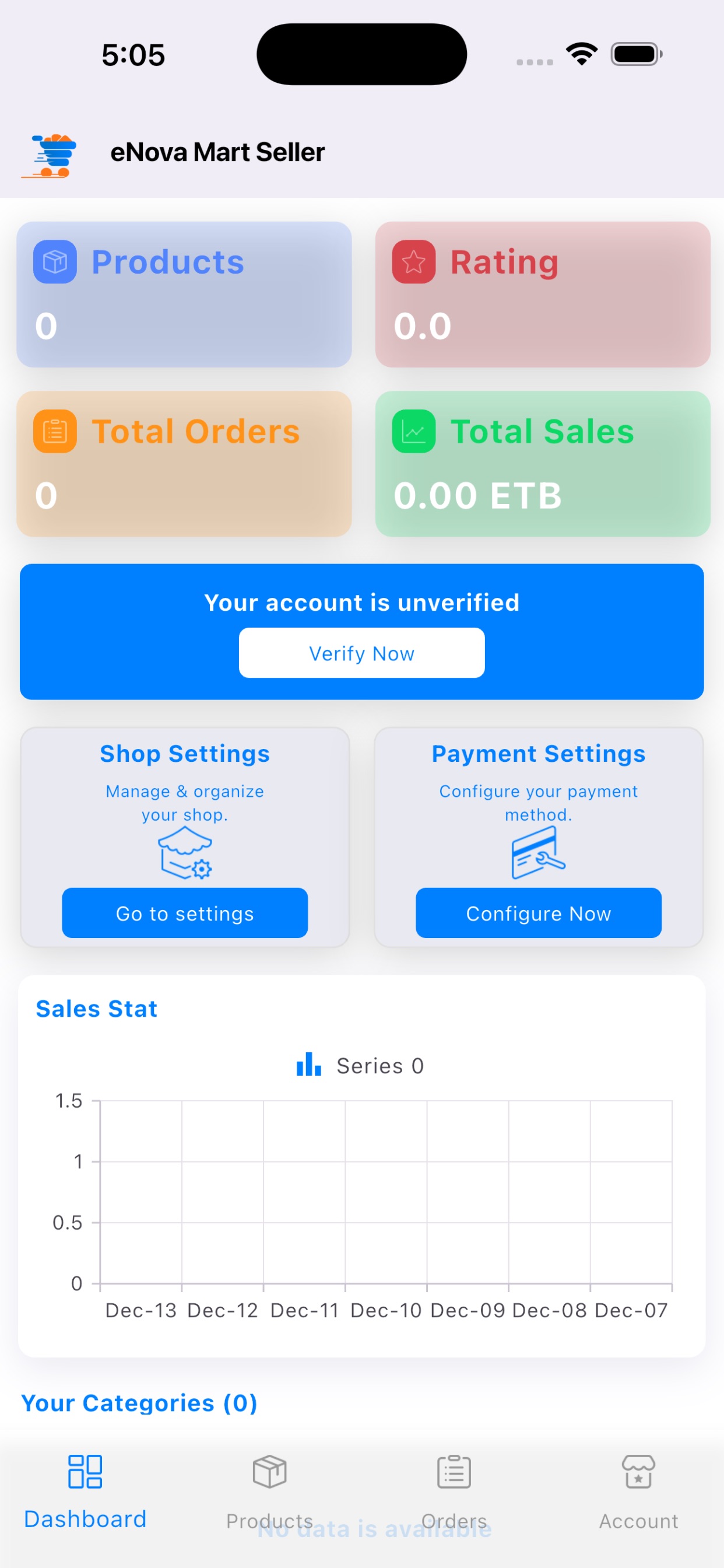
- Sales dashboard
- Review daily, weekly and monthly sales information.
- Inventory updates
- Adjust product availability as stock changes.
- Useful notifications
- Receive new-order and low-stock notifications in the app.
- Secure mobile store management
- Access core store-management tools from your phone.
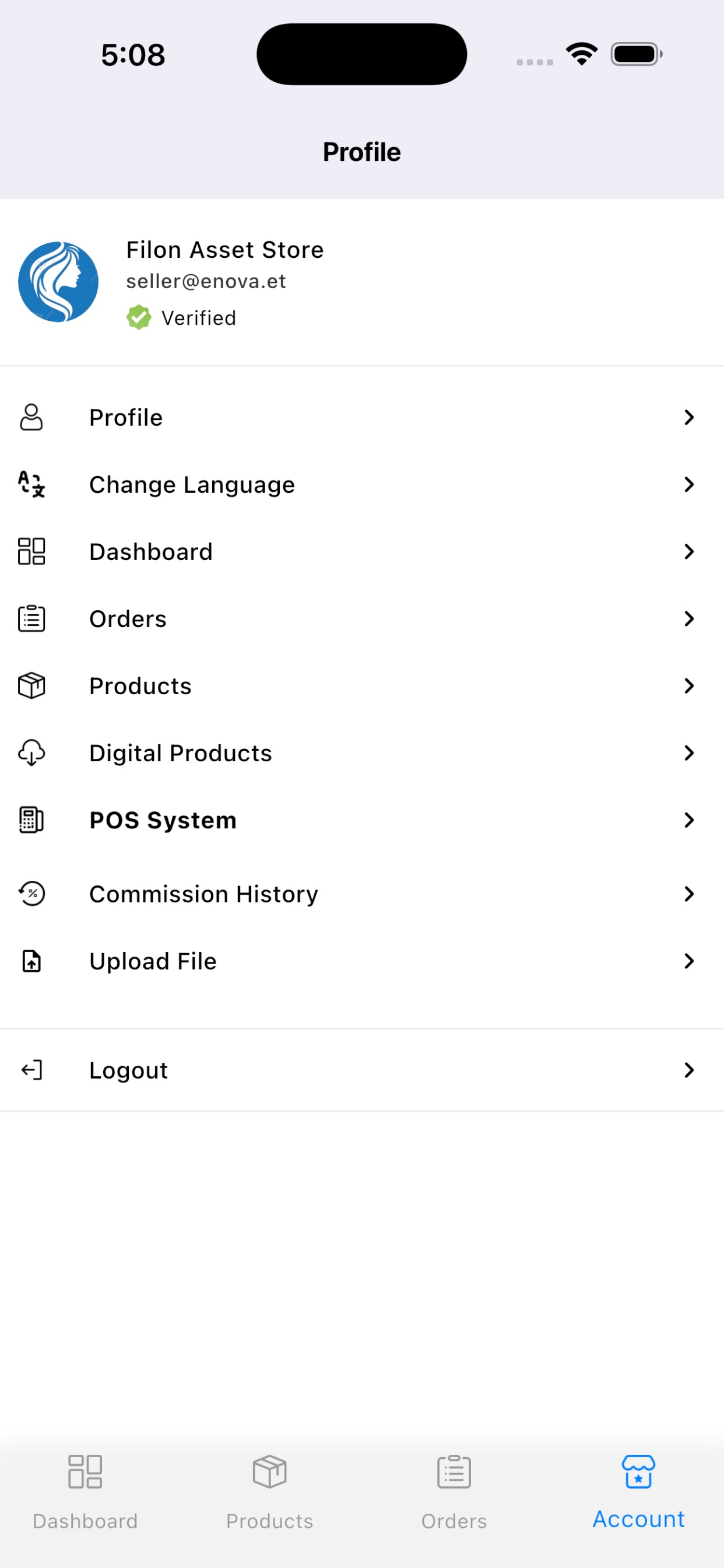
Official app screens
A direct view of the seller workspace.
Ready to sell on Enova?
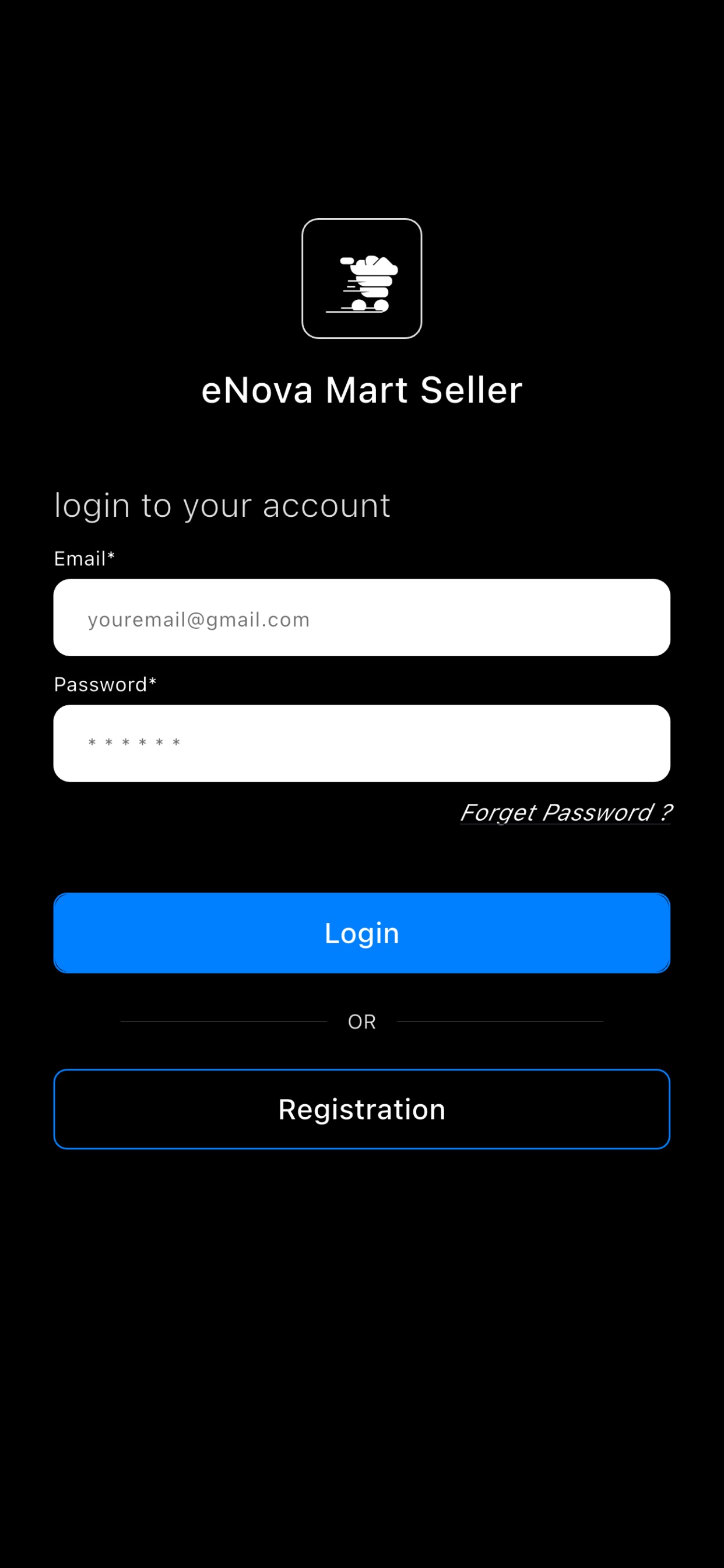
Start the seller application or sign in if your store already has an account.